Routing and queues
Assign incoming chats to suitable operators based on the site and the configured rules.


CHAT ROUTING AND MANAGEMENT
Set rules for who receives each conversation. Manage sites, queues and users, and give supervisors a way to help when a chat needs attention.
On-premises or private cloud. Built by Parker Software.

Checks the enquiry against your routing rules
SITE RULES AND TEAM OVERSIGHT
Set up the queues and permissions your teams need to handle conversations across sites.
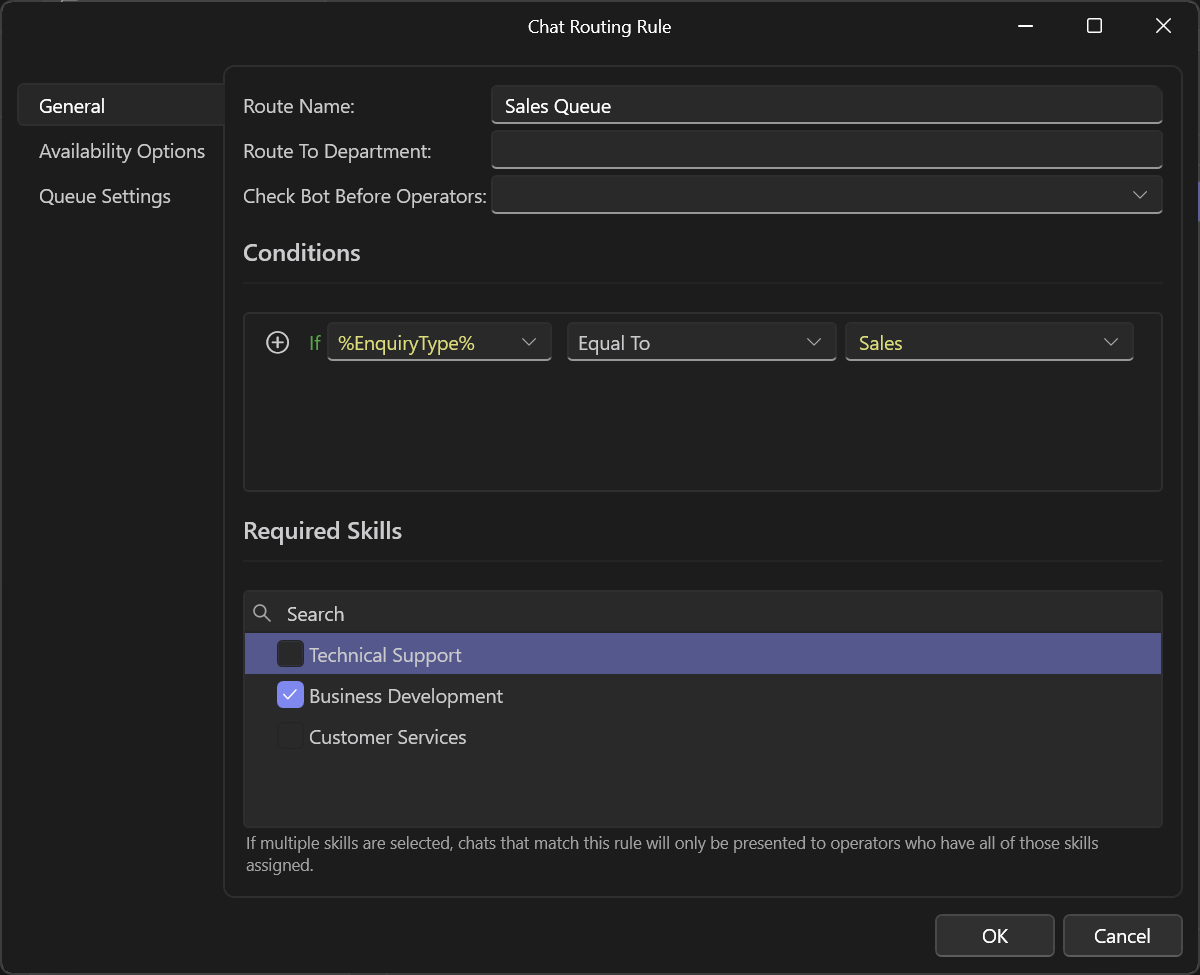
Assign incoming chats to suitable operators based on the site and the configured rules.
Apply settings per monitored site and manage access through user roles.
Monitor activity and transfer conversations when another team member can help.
LIVE OPERATIONS
Review queue and operator activity. When a conversation needs another team member, transfer it to a colleague who can help.
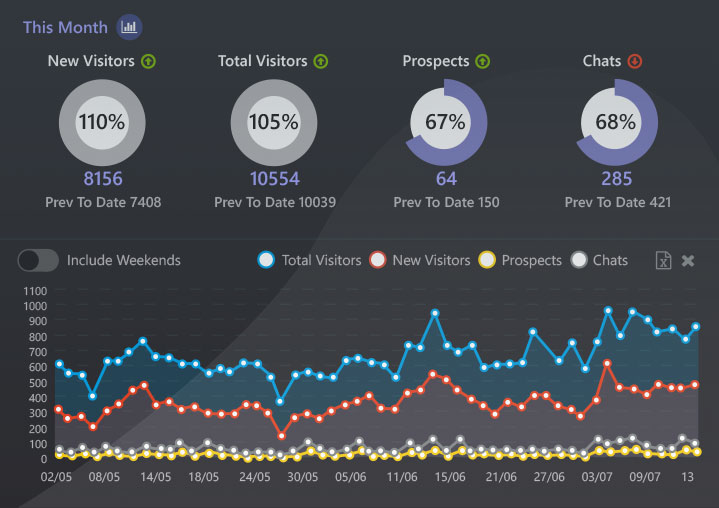
FEATURE CATALOGUE
WhosOn comes with user activity monitoring inbuilt. Your supervisors can access daily agent activity logs, complete with a comprehensive range of details.
With WhosOn, a simple, clear status is used to indicate agent availability. This is a helpful way to show your team whether you are free to take a chat.
Agent segmentation is a handy tool for larger customer service teams. You can assign your chat agents to relevant groups, for smarter chat routing.
WhosOn allows extensive fine-tuning when it comes to your settings and set-up. However, all that fine-tuning can sometimes be difficult to track.
WhosOn helps you set agent availability schedules across the day. From within the WhosOn client, you can define work periods and assign fixed rotas.
You may need to send a mass message to all your online agents at once. So, WhosOn comes with a useful option for supervisors to post broadcast messages.
Chat monitoring is ideal for internal training and support. With WhosOn, your supervisors can oversee live chat sessions in real-time.
Chat queues help you strike the right balance between wait times and internal resources. They prevent a concurrent chat overload for agents, while keeping your waiting customers updated.
The chat takeover option allows a supervisor to take control of a difficult chat session - without having to wait for the agent to make a transfer request.
Chat transfers allow agents to better support each other, and better support the customers they’re chatting to.
Have more than one website? Not a problem. WhosOn allows multi-site management, so you can add chat to all of the websites you run.
WhosOn allows you to assign role-based permissions to each agent. This is a great way to align roles, manage teams, and limit activity where necessary.
Rule-based routing ensures that your chat requests go to the relevant person. It’s a great way to ensure smooth, speedy service, every time.
Because WhosOn has so many features to enjoy, that also means a range of settings to manage. But, you don’t necessarily want distracted agents making settings changes.
WhosOn makes it easy for your supervisors to maintain great service standards. Not only can all chats be monitored, our handy supervisor intervention option allows direct session support.
Whisper messages enable supervisors to support their agents through complex chats. While monitoring a chat session, they present a way to coach and advise agents behind the scenes.