Knowledge-based bots
Use content you supply to answer common questions. Transfer the conversation to a human when the visitor needs help.
Explore Knowledge-Based Bots

BEFORE, DURING AND AFTER CHAT
Use AI at the points where it can help visitors or save agents time.
Use content you supply to answer common questions. Transfer the conversation to a human when the visitor needs help.
Explore Knowledge-Based BotsLet an agent ask for a draft reply, edit it and decide whether to send it.
Explore Agent AssistanceTranslate messages during a chat to support conversations across languages.
Explore Live TranslationStore summaries and sentiment scores alongside transcripts for review and reporting.
Explore Chat InsightsApply tags based on the chat content for routing follow-up work or filtering reports.
Explore Chat TagsConfigure AI-assisted removal of selected personal details from transcript text when archiving chats.
Explore Archive Anonymisation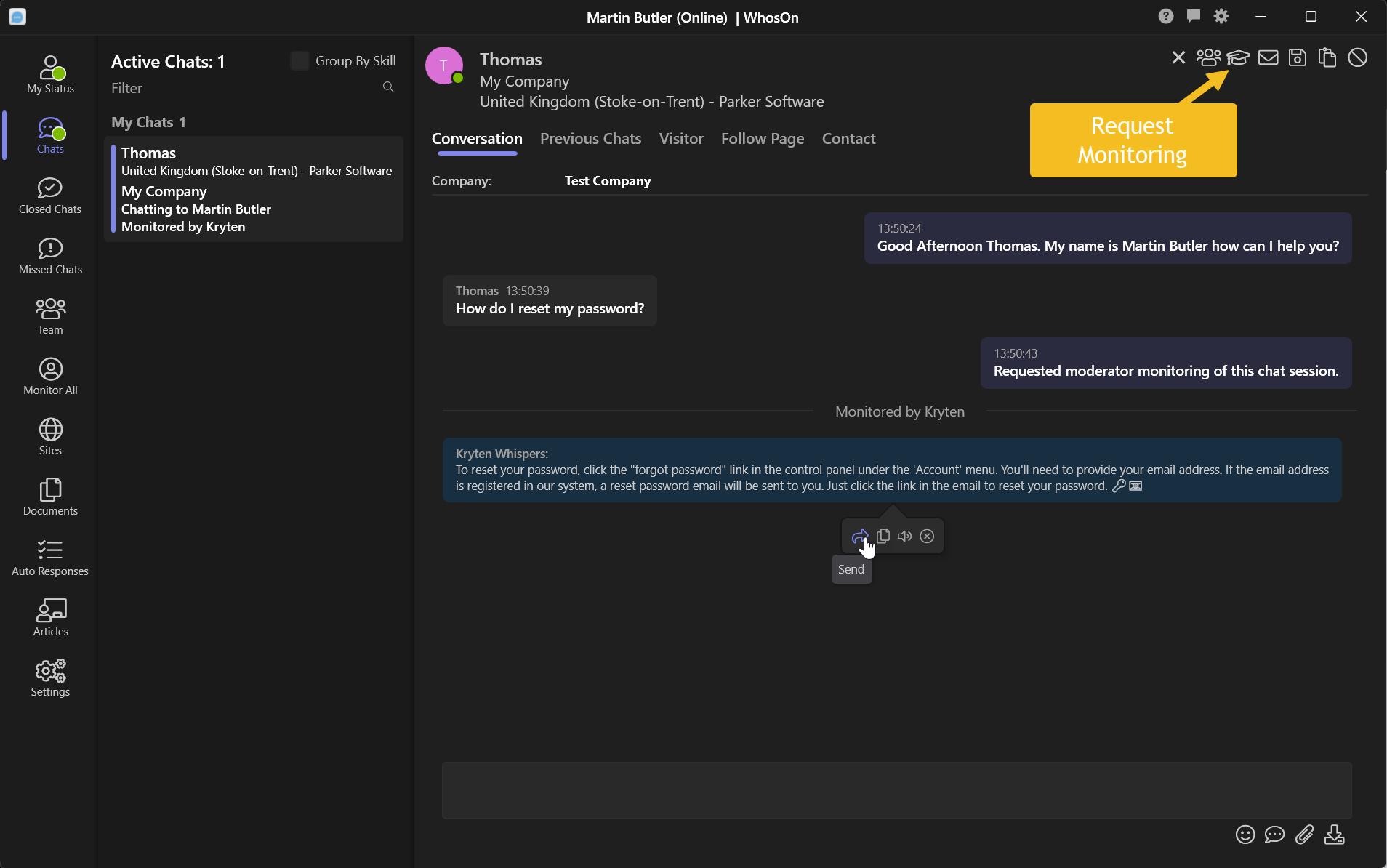
CHOOSE YOUR AI PROVIDER
Use your own account and API key for supported external providers. You can also run OnVeris locally or send requests to a ThinkAutomation message source.
CHOICE OF DEPLOYMENT
Server settings apply across monitored sites unless a site has its own settings. Review what data each feature shares with external providers, or use a local OnVeris deployment to keep model processing in your environment.
 Azure OpenAI
 Anthropic Claude
 Google Gemini
 xAI Grok
 Mistral
 OpenAI ChatGPT
 Perplexity
 DeepSeek